
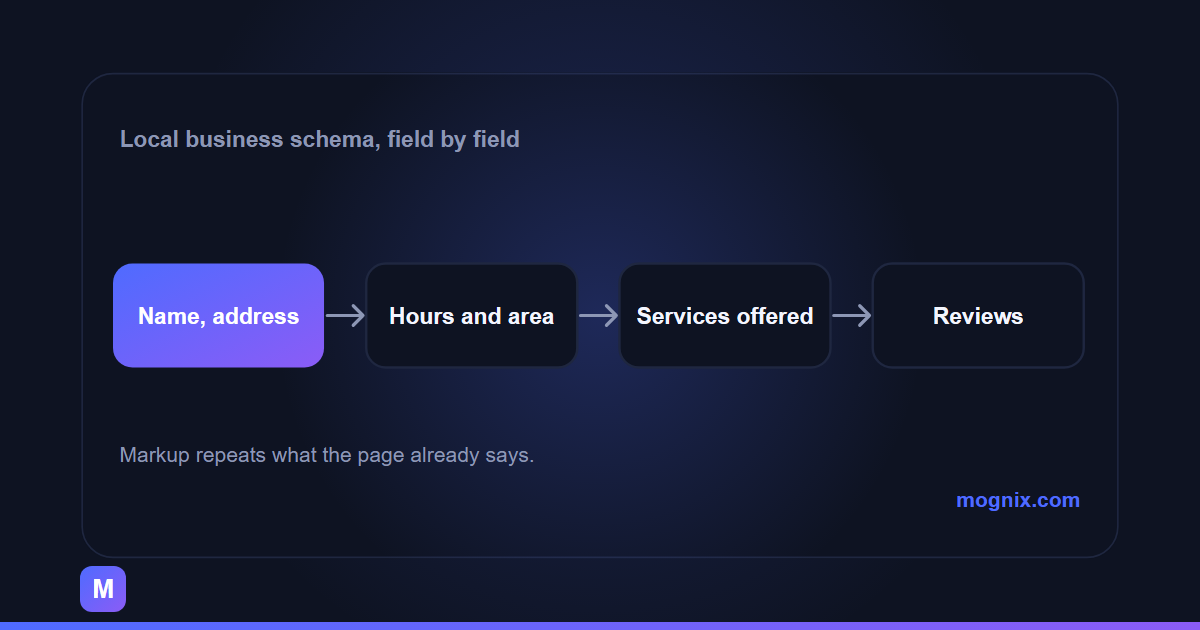
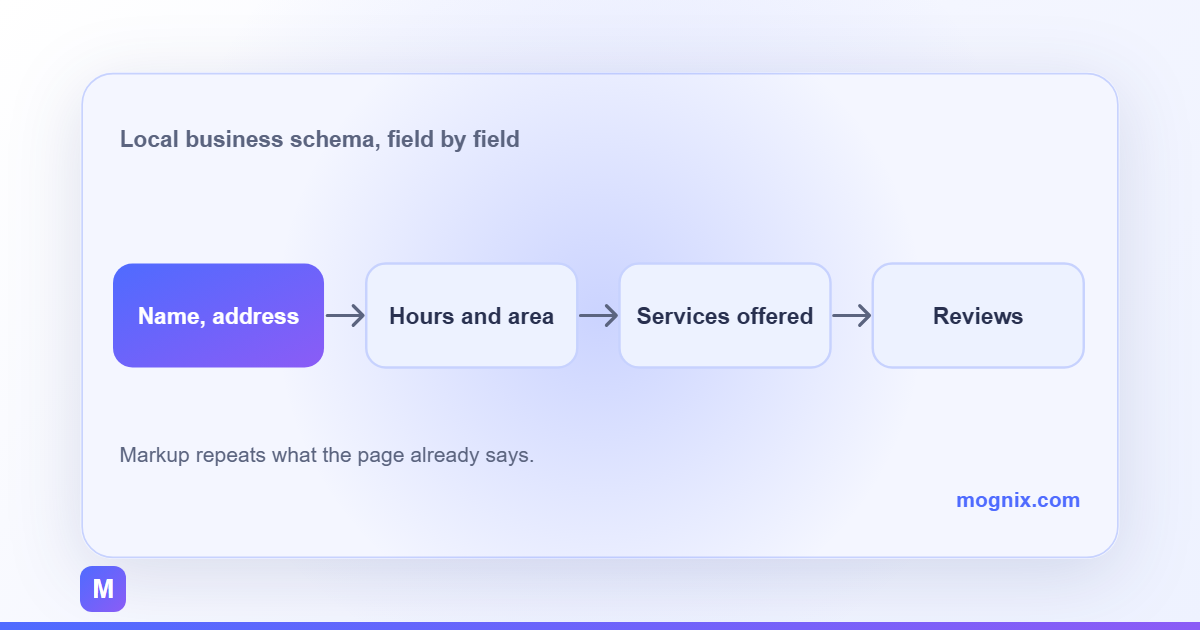
Local business schema is a small block of JSON that repeats the facts on a page in a format a machine can read. It does not make a business rank by itself, and anyone selling it as a ranking switch is selling the wrong thing. What it does is remove ambiguity: which entity is this, where is it, what does it do, and when is it open. In a local market where three businesses share a name and two share a phone number, that clarity is worth having.


The reason to care now is that search results are increasingly assembled from structured data. Opening hours, service lists, review counts and FAQ answers can all appear without a click. A page with clean markup is eligible for those treatments; a page without it leaves the space to someone else.
What local business schema actually describes
Schema.org is a vocabulary, not a Google product. The type LocalBusiness sits under Organization and Place, and its purpose is to describe a real-world business at a real-world location. Google reads a subset of it for rich results and uses the rest as corroboration for the Business Profile.
The entity, not the page
The most common mistake is describing the page instead of the business. A service page is not a LocalBusiness; the business is. The page is a WebPage that is about the business, or a Service offered by it. Mixing the two produces markup that validates and still confuses the machine.
The clean pattern is one LocalBusiness block on the homepage or the contact page, with @id set to a stable URL, and other pages referring back to that @id rather than repeating the whole entity. Repetition drifts; references do not.
Name, address, phone and URL
These four fields do most of the work. The name must match the Business Profile exactly, including punctuation. The address should be split into street, locality, region and postal code rather than pasted as one line. The phone should be in international format. The URL should be the canonical business page.
If the business serves customers at their location rather than at a premises, use areaServed with the cities or neighbourhoods actually covered, and keep the street address out of the markup if there is no public one. A fake address is worse than no address; it creates a second entity that Google then has to reconcile.
Hours, including exceptions
openingHoursSpecification is the field most often left half-finished. A business open Monday to Friday, 9am to 6pm, needs one specification per day or a range that covers the weekdays. Special hours for holidays belong in specialOpeningHoursSpecification, and they should be removed after the holiday, not left to rot.
The rule is simple: the markup must match what a customer would find if they turned up. If the page says “closed on the last Saturday of the month”, that belongs in the text too, because schema cannot express every pattern and the reader needs the sentence.
Services, price range and payment
makesOffer and hasOfferCatalog let a business list the services it actually sells. This is where a local business can be specific: “emergency plumbing”, “bathroom fitting”, “leak detection” as separate offers, each with a name and optionally a price range. The same list should exist in visible text, because a service that appears only in markup has no page to rank.
priceRange is a short string such as “₹₹” or “₹1,500–₹8,000”, not a number. paymentAccepted and currenciesAccepted are optional and only worth adding if they are accurate. Every extra field is a maintenance liability.
Reviews, ratings and the rules around them
Review markup is the field most likely to get a site into trouble. Google’s review snippet guidelines are explicit: self-serving reviews, meaning reviews a business publishes about itself on its own site, are not eligible for stars. Marking up testimonials on your own page as AggregateRating is the classic violation.
What is safe to mark up
A Review with an author and a rating is legitimate when it is a genuine review of the business by a customer, and when the review is visible on the page. A testimonial with a name and a quote can be marked up as a review if it is real and attributed. It will not necessarily produce stars, and that is fine; the markup is still accurate.
The safer path for most local businesses is to leave review markup alone and let the Business Profile carry the ratings. Stars in search results are not worth a manual action.
What to remove
Remove aggregateRating from any page where the rating is compiled from testimonials the business collected. Remove ratings from service pages that describe a product review rather than the business. Remove any ratingValue that is not backed by a visible, attributable review. If a plugin adds these automatically, turn the option off.
Where to put the markup and how to test it
The markup can live in the page head as JSON-LD, which is Google’s preferred format, or in the theme’s template. JSON-LD is easier to audit because it is one block per page and does not touch the visible HTML. A plugin can generate it, but check what it generates; many local SEO plugins emit a second, conflicting business entity.
Test with the tools Google actually uses
The Rich Results Test shows which rich result types a URL is eligible for. The Schema Markup Validator checks the vocabulary, including fields Google ignores. Run both after launch and after any template change.
Then check Search Console’s Enhancements report a week later. Errors appear there only after Google has crawled the page, so a clean test today does not prove a clean index tomorrow. The report is the source of truth.
Keep the visible page and the markup in sync
The most common failure is not invalid JSON; it is drift. The phone number changes on the site but not in the markup, or a service is dropped from the menu but remains in hasOfferCatalog. Add the check to the same routine that updates opening hours, and treat the markup as part of the page rather than a one-time installation.
A simple test is to read the markup aloud as a customer. If any sentence would be false at the front desk, the markup is wrong.
What this does and does not fix
Schema will not rescue a page that targets the wrong keyword, and it will not outrank a competitor with better content and stronger local signals. It will make the business easier to identify, which helps when names are similar, when the address is shared with another tenant, or when a listing has moved. It also feeds the knowledge panel and the map pack indirectly, through consistency.
The bigger wins usually sit next to it: a complete Business Profile, a service page per service, and consistent name, address and phone across the web. Schema is the machine-readable layer on top of that work, not a substitute for it.
Our SEO services include the markup audit and the template change, and the local SEO guide for Kolkata businesses covers the listing side that schema has to agree with. If you want to know whether the current markup is helping or contradicting the page, request a free audit and we will send back the fields to fix first.