
Google Ads keyword research usually starts with a volume column and ends with a list too expensive to run. For a small budget that is backwards. The question is not which keyword gets the most searches; it is which search happens in the ten minutes before someone wants the job done. A term with 90 monthly searches and clear intent can outperform one with 9,000 searches and no urgency.


The budget frame matters because Google Ads is an auction with a learning period. A local business spending thirty thousand rupees a month cannot afford to test forty keywords at once. It needs enough clicks on a handful of phrases to learn whether they convert, and that means narrowing before spending, not after.
Google Ads keyword research starts with intent, not volume
Intent is a property of the phrase, and it is visible in the wording. “Emergency electrician near me” is someone with a problem now. “How much does an electrician charge” is someone earlier in the decision, possibly worth a cheaper click. “Electrician” alone is mostly research, job seekers and people looking for a wholesaler.
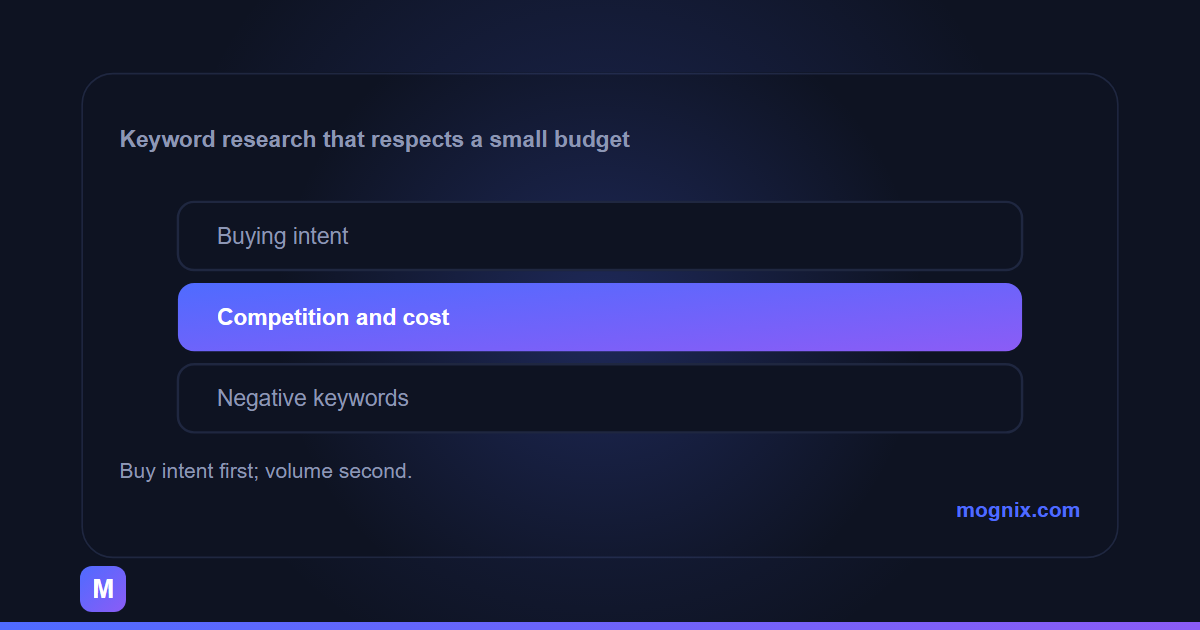
The three intent buckets
Sort every candidate into three buckets: hire now, compare options, and learn. Hire-now phrases contain a service, a place and often urgency: “same day plumber Kolkata”, “AC repair near me”, “book dental appointment Salt Lake”. These deserve the highest bids and their own ad group.
Compare phrases include “best”, “cost”, “vs”, “reviews” and “near me” without urgency. They convert at a lower rate but often at a much lower cost, and they are where a small budget can buy volume. Learn phrases are blog traffic; they rarely belong in a lead-generation campaign unless the site has a strong next step.
Where to get real phrases
The Keyword Planner inside Google Ads is free with an account and is the only source with Google’s own volume ranges. Start with five seed services, not one, and use the “ideas” view rather than exact match. Then add the phrases customers actually use on the phone; the receptionist hears the language that no tool suggests.
Search Console is the other free source, and it is better for a site with history. Filter for queries with impressions but few clicks, then check whether they appear in the paid list. A query the site already almost ranks for is a query Google understands, which makes the ad more likely to be relevant.
Judge competition by the result page, not the tool
The Keyword Planner shows a competition column, but it reflects advertiser density, not whether you can win. Search the phrase yourself and look at the ads: are they local businesses with a phone number, or national lead-generation sites with a form? If the top three are directories, a small local advertiser can often compete on relevance and a better landing page.
Also check the cost-per-click range. A phrase that costs three times as much needs to convert three times as well to break even. For most service businesses, the maths is decided by the average job value, and that number should be written down before the campaign starts.
Build the account around tightly themed groups
A common small-budget mistake is one ad group with thirty keywords and one generic ad. Google then chooses which keyword to show, and the ad rarely matches the specific phrase. The searcher sees a generic promise, the click is expensive, and the conversion rate is poor.
One service, one group, one landing page
Group keywords by the service the searcher wants, and send each group to the page for that service. A group for “leak detection” should not land on a page about bathroom fitting. Message match is the cheapest conversion improvement available: the headline repeats the phrase, the page shows the relevant proof, and the form asks for the detail needed to quote.
Three to eight keywords per group is enough. Use phrase match for most of them and exact match for the ones that have already converted. Broad match with a small budget is a donation to Google’s exploration.
Match types, explained without the folklore
Exact match shows for the phrase and close variants, including the same meaning. Phrase match shows for the phrase with words before or after. Broad match shows for related searches and can wander a long way. Close variants include plurals, misspellings and reordering, so do not add every variant manually.
Negative keywords are the control valve. Add “jobs”, “salary”, “course”, “free”, “diy”, “wholesale” and the names of competitors you do not want to bid on. Review the search terms report weekly for the first month; it is the only place that shows what you actually paid for.
The maths that decides the list
A keyword is worth bidding on if the expected value of a click exceeds its cost. Expected value is the conversion rate multiplied by the profit per job, and the conversion rate is usually the number people guess wrong. Start with the site’s real enquiry rate from analytics, not the industry average.
If a service page converts 2% of visits into enquiries, and one in four enquiries becomes a job, then a hundred clicks produce two enquiries and half a job. If the job is worth ten thousand rupees, the break-even cost per click is fifty rupees before overhead. That number tells you which keywords are viable far better than a competition score.
Track calls and form submissions as conversions, not just page views. A campaign optimised for clicks will buy clicks. Google’s conversion tracking guide covers the setup, and the tracking has to be tested before the budget is spent, not after.
What to do in the first two weeks
Days one and two: write the five seed services, pull Keyword Planner ideas, and sort them into the three intent buckets. Days three and four: build one campaign, three to five ad groups, and one landing page per group. Day five: add negatives and check that conversion tracking fires.
Week two: read the search terms report every morning, add negatives, and pause any keyword with fifty clicks and no conversion. Do not judge a keyword on five clicks; the sample is too small to mean anything.
After a month, the list will be shorter than it started. That is the correct outcome. The winners get more budget, the losers get paused, and the next round of research starts from the phrases that produced actual enquiries rather than the ones that looked popular.
If the account is already running and the clicks are not turning into work, our guide to fixing Google Ads that are not converting covers the other half. Our Google Ads services build and manage the account around these numbers, and if you want the current keyword list reviewed before the next invoice, request a free audit.