
Google Analytics 4 setup is usually treated as a tracking task: install the tag, connect Search Console, tick the boxes. Six months later the dashboard is full of sessions, engaged sessions and event counts that nobody opens. The problem is not the tool. It is that the setup was never tied to a decision.


A local business makes a small number of decisions with analytics: where to spend the next month’s marketing budget, which page to fix, and whether last month’s change worked. A GA4 property that answers those three questions is more valuable than one with forty custom dimensions. The rest is noise that makes the useful numbers harder to find.
A Google Analytics 4 setup starts with the enquiry
Before touching the tag, write down the actions that represent money. For most service businesses that is a form submission, a phone call, a WhatsApp click and a booking. A newsletter signup is not an enquiry. A PDF download is not an enquiry unless the sales team treats it as one.
Events, not page views
GA4 is event-based, so each of those actions should be a named event with parameters. generate_lead is the recommended name for a form or call, and it can carry method (form, phone, whatsapp), service and value. The names should be stable, because every report, audience and conversion will depend on them.
Do not rely on the default “page_view only” installation. A form that posts to the same URL and shows a thank-you message will not be visible as a page view, and the campaign will look like it produces traffic and no leads. Fire an event on successful submission instead.
Mark conversions in one place
In GA4, an event becomes a conversion by being marked as a key event. Mark the four enquiry events, and nothing else. If every scroll and button click is a conversion, the bidding algorithms and the reports both lose their meaning.
Google’s GA4 setup guide covers the tag installation. The important local step is to test each event in DebugView before trusting it: submit the form, call the number, click the WhatsApp button, and confirm each one appears with the right parameters.
The three reports worth opening
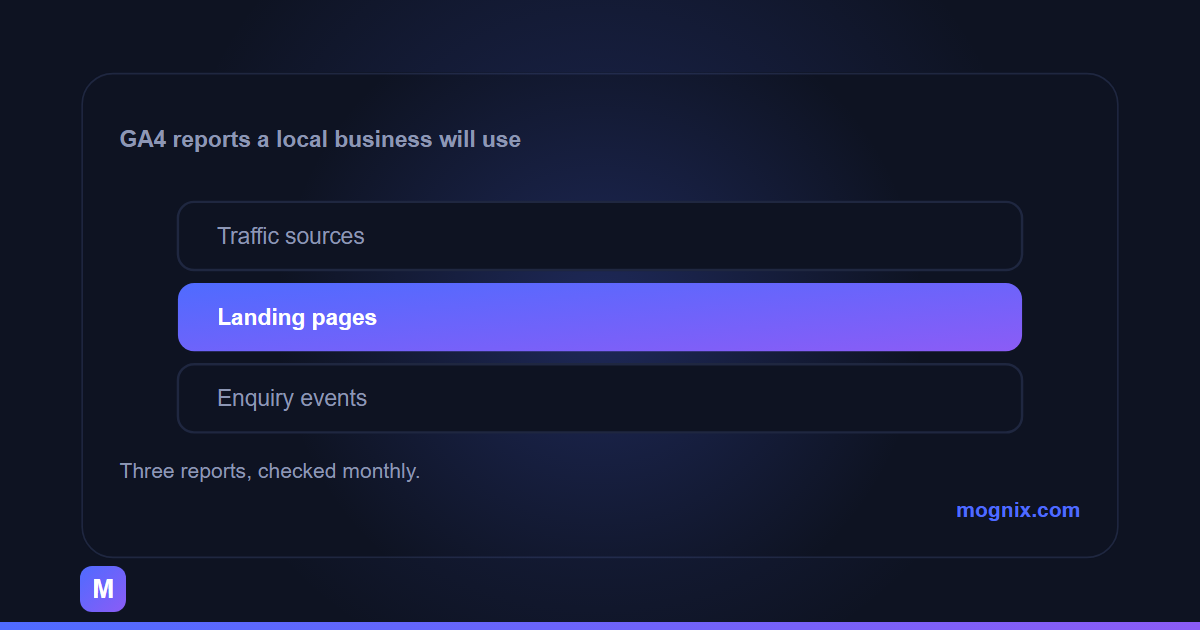
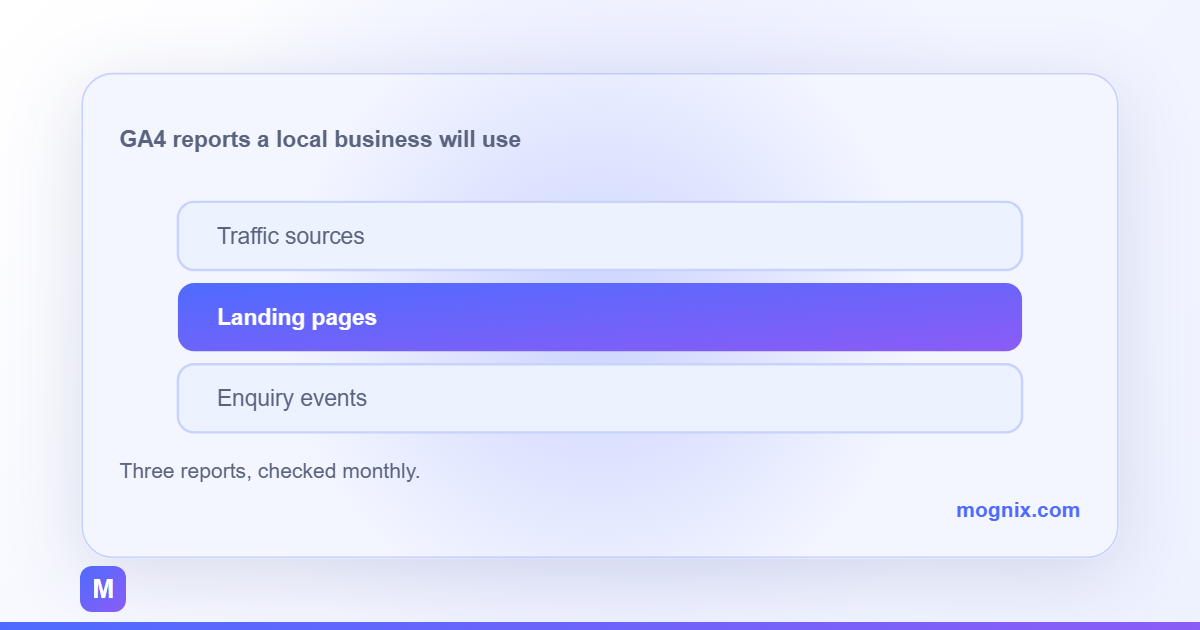
GA4’s default reports are organised around acquisition, engagement and monetisation. A local business can ignore most of them. Three views cover the monthly decisions, and each one should be saved as a custom report so nobody has to rebuild it.
Where the enquiries came from
Use the Traffic acquisition report with the key event column, not sessions. Sessions tell you which channel brought visitors; the key event count tells you which channel brought customers. A channel with 2,000 sessions and two enquiries is worse than one with 200 sessions and six.
Add a secondary dimension for the campaign or the landing page when the volume is high enough to split. For most local accounts, the channel view is enough to decide whether to move budget from paid social to search or the other way around.
Which pages earn the enquiry
The Landing page report answers the second question. Sort by key events, then look at the conversion rate. A service page with steady traffic and almost no enquiries is a page to fix, not a page to delete. A blog article that produces enquiries is a page to link more prominently.
Be careful with the “landing page” definition. It is the first page of the session, not the page where the form was submitted. If most people enter on the homepage and navigate to a service page, the homepage gets the credit. That is still useful, but it changes the conclusion.
What changed after the campaign
Use Explorations for the comparison. A simple free-form exploration with date range comparison, filtered to the campaign or the changed pages, shows whether the intervention moved the key event rate. Without a comparison, a seasonal rise looks like a success and a seasonal fall looks like a failure.
Keep the exploration to five dimensions at most. The temptation to slice by device, city, source, page and audience at once produces a chart with one session in every row, and no decision.
Tracking the calls and chats that never touch the form
For local services, a large share of enquiries arrive by phone. If the analytics only counts form submissions, the best channel can look like the worst. There are three practical options, in order of accuracy.
The first is a call-tracking number that forwards to the business and reports the source. It costs money and changes the number on the site, which has local SEO consequences if not handled carefully. The second is click-to-call tracking: the phone link fires an event when tapped, which measures intent but not whether the call connected. The third is a post-call survey or the receptionist asking “how did you hear about us”, which is manual but surprisingly reliable.
Use click tracking as the baseline and reconcile it monthly against the enquiry log. The gap between the two is the number of people who tapped and did not call, and it is often large enough to change the budget decision.
Consent, data quality and the boring parts
Analytics consent is a legal requirement in many markets and a trust issue everywhere. A consent banner that blocks the tag until accepted will reduce recorded traffic; that is expected, not a tracking failure. Do not “fix” it by loading the tag before consent.
Set the data retention period deliberately, filter internal traffic by IP or a debug parameter, and exclude known bots. These are set once and forgotten, but they decide whether the monthly numbers are comparable. A retention setting of two months makes year-on-year analysis impossible.
A short monthly routine
Open three reports: traffic acquisition by key event, landing pages by key event, and the comparison exploration. Write one sentence for each: what changed, what it means, and what will be done next month. If a number cannot change a decision, remove it from the report.
That routine takes twenty minutes and is more useful than a real-time dashboard. The goal is not to watch traffic; it is to know which half of the budget is working before the next invoice arrives.
Our Google Ads services include the conversion tracking that makes these reports trustworthy. If the site gets visitors but the phone does not ring, the guide to marketing that is not bringing leads covers the diagnosis, and a free audit will tell you whether the gap is tracking, traffic or the page itself.