
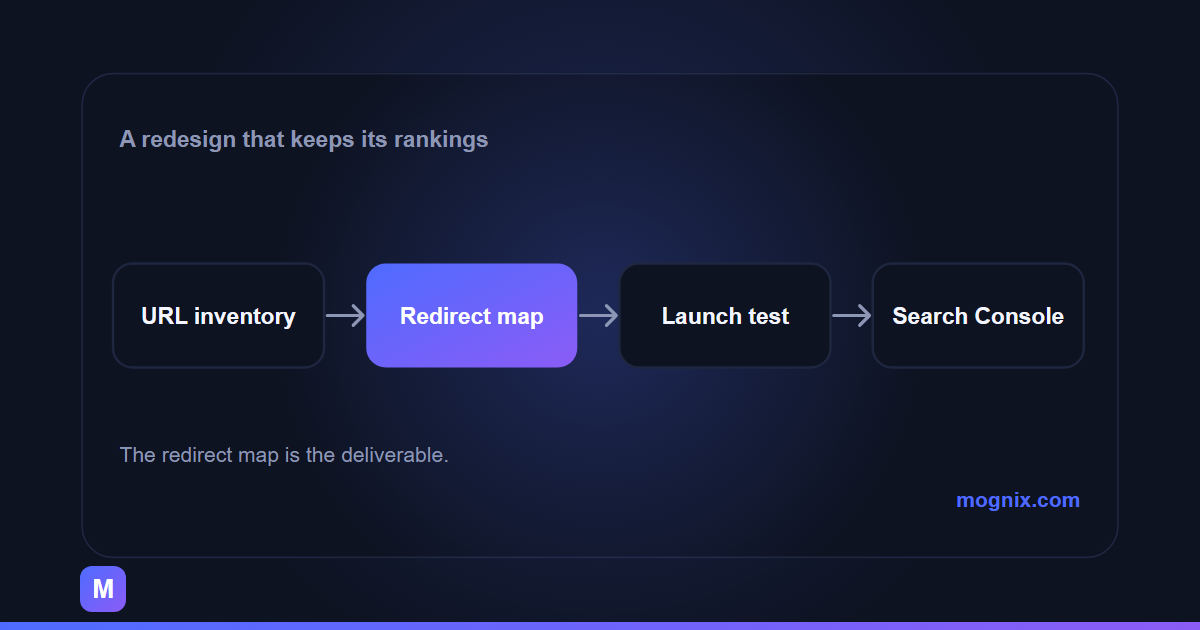
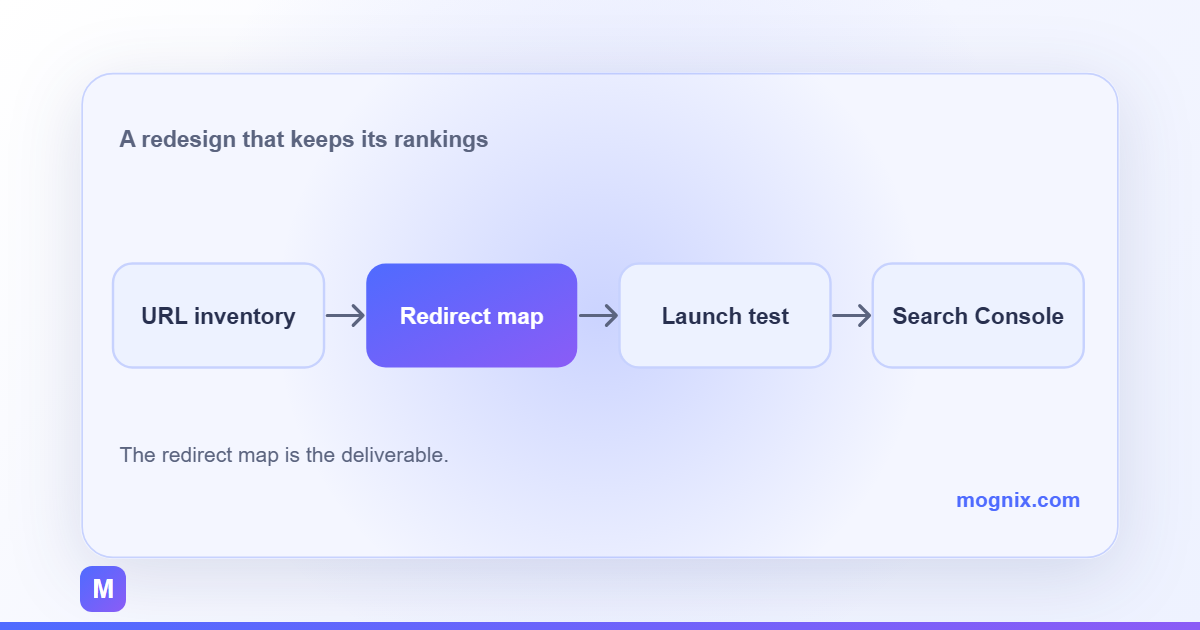
Website redesign SEO failures are rarely caused by a prettier homepage. They are caused by the unglamorous things that change when a site is rebuilt: URLs, title tags, internal links, content that was dropped because nobody knew it was earning traffic. A redesign can launch, look excellent, and lose half its organic visits within a fortnight for reasons that were avoidable with a spreadsheet.


The discipline is migration, not design. Before a single template is approved, the old site should be inventoried, the pages that earn traffic identified, and the redirects mapped. That work is invisible in the final result, which is exactly why it gets skipped.
Inventory the old site before designing the new one
The first deliverable is not a moodboard. It is a list of every URL on the current site, with its organic impressions, clicks, links and enquiries. That list decides what the new site must preserve and what it can safely retire.
Crawl and export, do not rely on memory
Crawl the site with a tool that lists every indexable URL, then merge that list with the sitemap and the pages in Search Console. The union is the real inventory; each source misses pages the others catch. Include service pages, articles, category archives, the blog index and any landing pages used by ads.
Add three columns: organic sessions in the last twelve months, links from other sites, and enquiries attributed to the page. A page that earns links but no enquiries still matters because those links support the rest of the site. A page with neither, and no clear job in the new structure, is a candidate for retirement.
Decide the fate of every URL
Give each row a decision: keep the same URL, keep the content at a new URL, merge into another page, or remove. The decisions should be made before the redirect map, because a redirect is only a symptom of a changed URL. Redirecting a page that should have stayed put adds a hop for no benefit.
Pages that rank and convert should keep their URLs wherever possible. That is the cheapest migration. When a URL must change, the new URL should preserve the slug’s meaning; a random number or a nested path that removes the keyword makes the redirect more fragile and the page harder to understand.
Website redesign SEO lives or dies on redirects
A redirect tells a visitor and a search engine where the page moved. A missing redirect tells them the page is gone, and a 404 on a page that used to rank is a self-inflicted loss. The map is the single most important artefact of the project, and Google’s guide to site moves is the reference to follow.
One hop, one destination
Every old URL should redirect to the closest equivalent new page in a single 301. Chains (A to B to C) waste crawl attention and break when an intermediate page is removed. Loops are worse. Check the map programmatically, not by clicking twenty examples.
The destination should be the page that best serves the same intent, not the homepage. Redirecting forty service pages to the homepage is a common shortcut and it tells Google that forty distinct pages are now one, which is rarely true and always damaging.
Redirect the pages that were never in the sitemap
Ads, QR codes, old campaign pages, PDFs and the URLs in printed material still receive traffic. They may not appear in the crawl, but they are in analytics and in the ad account. Export the top landing pages by sessions and add every one to the map.
Check the old site’s internal links as well. If the new navigation links to a URL that redirects, fix the link rather than relying on the redirect. Internal redirects are a small cost each and a large one in aggregate.
Keep the old redirects in place
A redirect map is not a launch-week artefact. Keep it for at least a year, ideally for the life of the site. Links from other sites, bookmarks and old emails do not expire, and neither should the redirects. Store the map in the repository or the CMS so a future redesign can extend it instead of rebuilding it.
Content and metadata that must survive
A redesign is an opportunity to rewrite the site, and that is also the risk. The pages that rank often do so because of specific titles, headings and copy that have accumulated relevance over years. Replacing them with brand-led language can reset that work.
Preserve the pages that earn traffic
For every URL with organic clicks, compare the old and new title, H1, meta description and opening paragraph. If the new version removes the phrase the page ranks for, that is a regression, not a refresh. Keep the keyword, improve the clarity around it.
The same applies to the content depth. A service page with a detailed FAQ, price guide and project examples may be replaced by a shorter, prettier page that says less. The new page has to earn the same queries, which usually means keeping the substance and changing the presentation.
Do not delete content without a plan
Old articles often have links, long-tail traffic and answers that the sales team relies on. If the new site does not include them, merge the useful sections into a stronger page and redirect the old URL to it. Deleting a page that earns three enquiries a month because it does not fit the new navigation is an expensive way to tidy up.
If a page genuinely has no value, remove it and return a 410 rather than a redirect to an unrelated page. A clean removal is easier for everyone than a misleading redirect.
Keep the URL structure boring
A new site often introduces a new path: /services/plumbing/ instead of /plumbing/. That can be fine, but every change requires a redirect and every redirect is a chance to lose a link. If the old structure works, keep it. If it does not, change it once and map it properly.
Do not add dates, IDs or category paths to article URLs during a redesign. They make future migrations harder and they break links when the taxonomy changes.
Test before launch, then watch after
The launch should be a controlled change, not a surprise. A staging site with the new design, the real content and the final redirects can be crawled and compared against the old site before anything goes live.
Crawl the staging site
Run the same crawler on staging and compare the URL list against the inventory. Every old URL should have a destination. Every new page should have a title, a description and one H1. No page should be blocked by robots.txt or a noindex tag left over from development.
Check the redirects on staging with the final host configuration. A redirect that works in the staging environment can behave differently behind a CDN or a load balancer, so test the real hostname before switching DNS.
Launch on a quiet day and verify immediately
Launch on a weekday morning, not a Friday evening. Within an hour, check the homepage, three service pages, three articles and the sitemap. Submit the new sitemap in Search Console and confirm the old one is gone or updated. Check that robots.txt allows crawling and that HTTPS is enforced on every variant.
Then watch Search Console daily for two weeks: coverage errors, 404s, redirect errors and the pages report. A spike in “not found” is the earliest signal that a redirect is missing. Fix it the same day; the longer a 404 lives, the more likely the link is lost.
Expect a dip and know what is normal
Some fluctuation is normal after a migration. Rankings can move while Google reprocesses the site, and impressions may drop for a few days. A dip that continues past a month, or a cluster of 404s, is not normal and needs investigation.
Compare by page group, not only site-wide. If service pages hold and blog articles fall, the problem is likely in the article URLs or internal links. A site-wide average hides that pattern.
The non-SEO reasons redesigns fail
A redesign can be technically clean and still lose enquiries because the new pages convert worse. The old page may have had a phone number above the fold, a form in the right place and proof next to the claim. The new one may be beautiful and silent.
Run the conversion rate optimization checklist against the new templates before launch, and test the form, the click-to-call link and the WhatsApp button on a real phone. A migration that preserves rankings and loses enquiries is still a failure.
Keep the analytics and tracking intact through the switch. New templates often drop the event tags that were added over the years, and the first month after launch becomes unmeasurable at exactly the moment measurement matters most.
Our web design services run redesigns with the migration map as a deliverable, and the guide to website speed and enquiries covers the performance half of the launch. If a redesign is planned and the old site’s URL list has never been exported, request a free audit before the design is approved.