
Table of Contents
1. Why Google Ads Performance Max Suits a Local Business 2. What Performance Max Actually Optimises For 3. Audience Signals Are the Only Lever You Control 4. Asset Groups That Give Google Something Useful 5. Exclusions: Brand Terms and Places You Do Not Serve 6. How to Tell Whether It Is Working 7. A Practical First 30 Days


Why Google Ads Performance Max Suits a Local Business
Google Ads Performance Max is a campaign type that takes your budget, your goal and your creative, then decides where each impression goes — Search, Maps, YouTube, Gmail, Discover and the display network — without asking you to build separate campaigns for each. For a business with one service area and a modest budget, that sounds like exactly what you want: one campaign, one budget, and Google doing the placement work.
The trade is real, and it is worth stating plainly before you switch anything on. In a Search campaign you choose the keywords, so you know which searches bought you a click. In Performance Max you choose the audience signals and the assets, and Google chooses the queries, the placements and the moment. You are trading control for reach and for the machine learning that decides combinations of headline, image and audience that you would never have tested by hand.
That trade is a good one when three conditions hold. Your conversion tracking reports real money events rather than page views. Your service area is narrow enough that Google cannot wander outside it. And your offer is simple enough that a fifteen-second YouTube pre-roll can carry it. When any of those is missing, the same campaign will happily spend your budget on people who will never call. This guide works through the settings that keep it pointed at the right work, and the reports that tell you when it has stopped.
What Performance Max Actually Optimises For
The goal is the whole strategy
Performance Max does not chase the cheapest click; it chases whatever you told it a conversion is worth. If the only conversion on the account is a contact form view that fires on page load, the campaign will find thousands of those. If the conversion is a submitted enquiry with a value attached, the campaign will look for people who resemble the people who already submitted one.
For a service business the honest conversion list is short: a phone call longer than sixty seconds, a submitted enquiry form, a WhatsApp message, and — if you can record it — a booked job. Everything else is a signal, not a conversion. Google’s own documentation on Performance Max is explicit that the campaign optimises toward the goals you set, which is why a sloppy goal list is the most expensive mistake in this campaign type.
Conversion values change the bidding
Once each conversion type has a value, bid strategies can choose between a lead that is worth ₹500 and one that is worth ₹5,000. Set the values from your own numbers rather than from a round figure: average job value, close rate, and the share of a job that is profit. A repair business that closes one in four enquiries on an average job of ₹8,000 has a lead worth about ₹2,000 before you subtract the cost of delivering the job.
Bid strategy: start manual, then let go
A new Performance Max campaign has no history to learn from. Start with a target that gives it room — Maximise Conversions with a cost-per-acquisition target slightly above your current blended cost per lead — and leave it alone for at least two weeks. Switching bid strategies every few days resets the learning period and produces the flat, unexplained results that make people conclude the campaign type does not work.
Audience Signals Are the Only Lever You Control
Audience signals tell Google who looks like a customer. They are not targeting in the strict sense — the campaign can and will show ads outside them — but they are the strongest hint you can give, and the quality of these signals decides the first two weeks of spend.
Your own customer list
A first-party list uploaded from your CRM is the single most valuable signal. Export phone numbers and emails with country code, upload them as a customer match list, and let the campaign build a lookalike from people who actually paid you. If your CRM only holds forty customers, that is still forty better signals than none.
Search and intent signals
Custom segments built from the searches someone makes before they need you — the phrases you would have bought as keywords in a Search campaign — give the campaign a starting point that reflects intent. Add them as custom intent segments rather than as keywords, because Performance Max does not accept keyword lists.
What signals cannot do
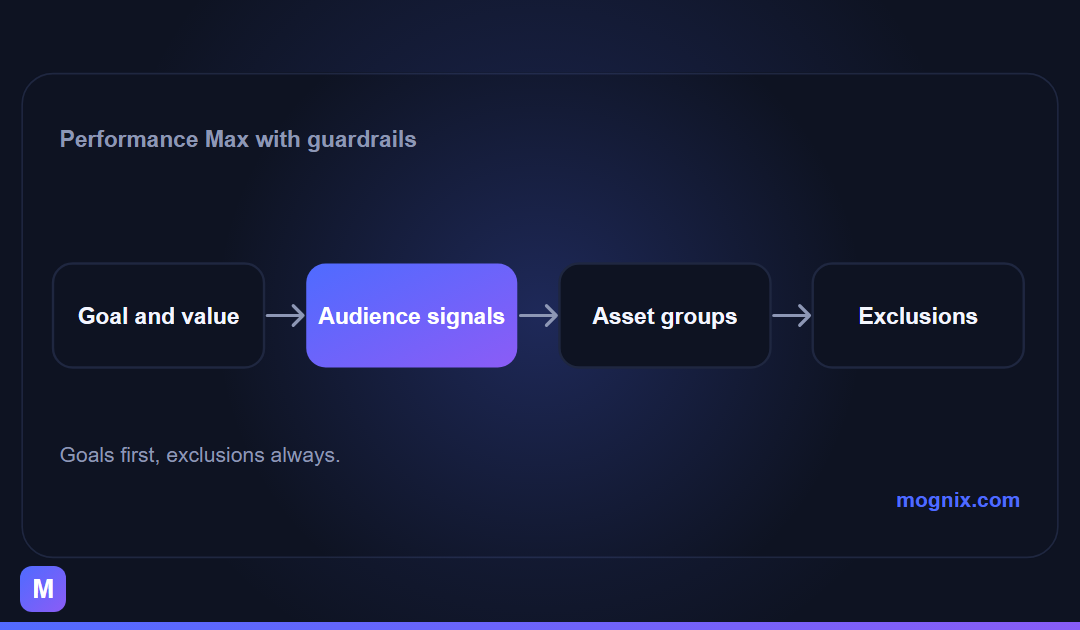
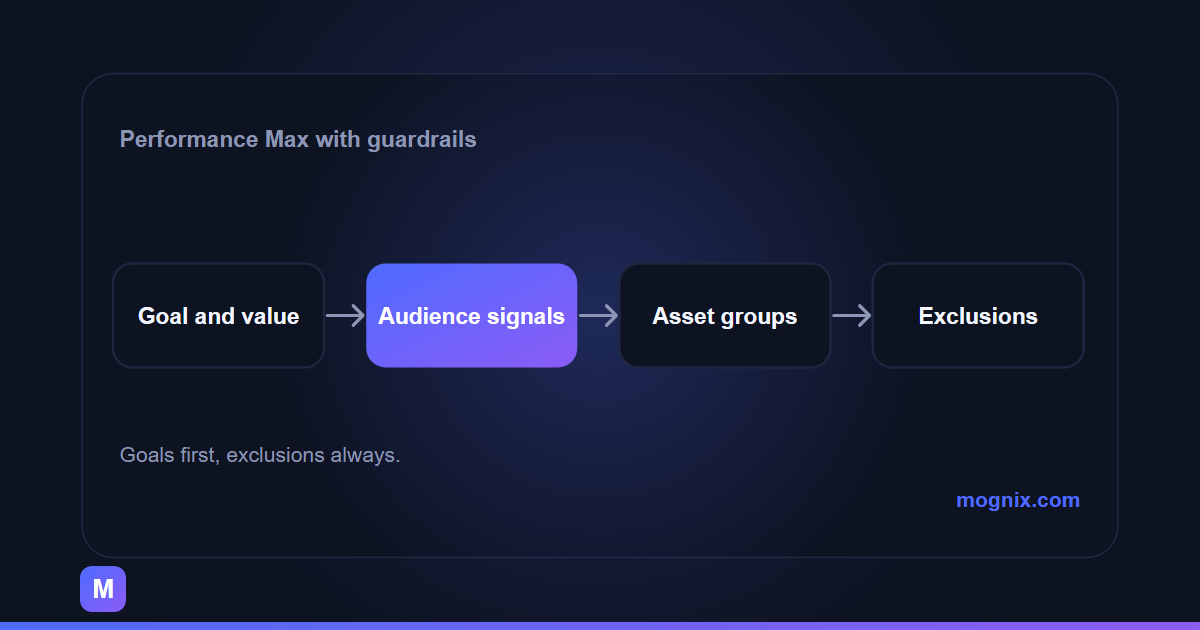
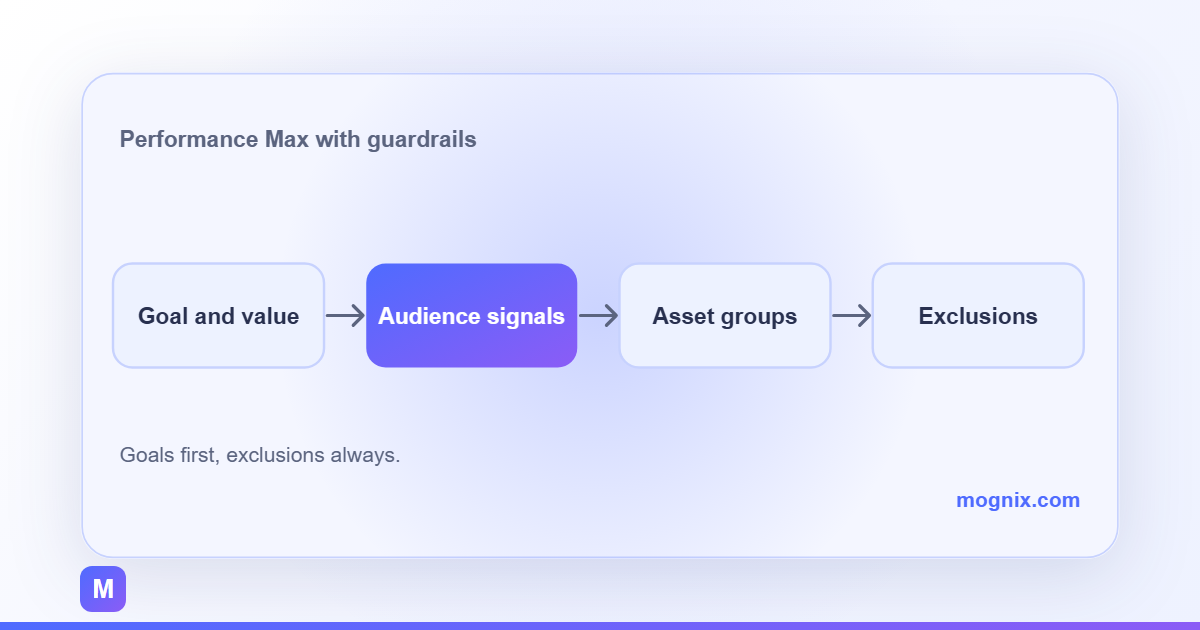
Signals cannot stop the campaign from serving on a placement you dislike, and they cannot guarantee your service area. Both of those need exclusions, which most accounts never set. A signal list with no exclusions is a suggestion with no boundary.
Keep signals few and honest
Five to eight signals is plenty in a local account. A list of thirty interests that you hope might be relevant dilutes the signal to noise, and the campaign quietly learns nothing in particular.
Asset Groups That Give Google Something Useful
An asset group is a bundle of headlines, descriptions, images, logos and video that the campaign mixes and matches by placement. Google asks for far less than it can use, and a thinly filled asset group is the second most common reason a Performance Max campaign underperforms.
Write headlines that could stand alone
Fifteen headlines sound like a lot until you try to write them without repeating yourself. Aim for a spread: three that state the service, three that state the location, three that state a proof point such as years in business or job volume, three that state an offer, and three that handle an objection such as same-day availability or a fixed quote. Google writes its own combinations, so each line has to make sense on its own.
Images and video do the heavy lifting
Most local accounts supply nothing but text, which is why their ads look like text in the display network and get ignored. Five landscape images at the minimum sizes, a square version of each, your logo, and one short video — even a twenty-second clip filmed on a phone showing the work — measurably improve how often the ad is served at all. If you have no video, the campaign will generate one from your images, and a generated video is usually worse than a shaky real one.
One asset group per service
Grouping a plumbing service, an electrical service and an emergency call-out into one asset group forces Google to blend headlines about drains into an ad for a fuse box. Separate asset groups with their own headlines and images produce ads that read as if a person wrote them for that service, which is what the placement mix rewards.
Keep the offer specific
“Contact us today” is wasted space. “Same-day call-out in Salt Lake”, “Fixed quote before we start” and “Ten-year-old boilers serviced” are the lines that earn the click, because they answer a question the searcher already has. The same discipline applies to a landing page: a page that echoes the promise in the ad converts better, as covered in our landing page best practices guide.
Exclusions: Brand Terms and Places You Do Not Serve
Brand exclusions
By default, Performance Max will happily serve on searches for your own business name. Those clicks are cheap, they convert well, and they flatter the reported cost per lead while adding nothing — the person was already looking for you. Set brand exclusions as a campaign-level setting and, if your brand is weak, keep a small separate Search campaign for your own name so you can still see that traffic without letting it subsidise the reports.
Geographic boundaries
Location settings determine where your ads can appear. Check the option that limits serving to people in your target area rather than merely interested in it, because the default includes people who are curious about your city from elsewhere. For a business with a service radius, that setting alone decides whether the budget reaches drivers or browsers.
Negative keywords at campaign and account level
Performance Max supports account-level and campaign-level negative keywords, and an exclusion list is the cheapest ongoing optimisation in this campaign type. Add job seekers, students, wholesale buyers, DIY phrases and the names of nearby towns you do not cover. Review the search terms report weekly for the first two months, because that is where the waste shows itself in plain language.
Placement exclusions
If you sell to a narrow trade audience, exclude mobile game placements and low-quality apps. The exclusion report will tell you where the impressions actually went, and it is rarely where you imagined.
How to Tell Whether It Is Working
Read the right columns
The campaign-level report hides everything interesting. Open the asset group report, the asset report and the placement report. The asset report grades each headline as Low, Good or Best, which tells you which lines Google is actually willing to serve — a headline rated Low across every placement is dead weight you can rewrite or remove.
Watch the search terms, not just the count
A campaign that produces plenty of conversions at a low cost per lead while spending a third of its budget on searches for your competitors’ names is not working; it is borrowing. If the conversion tracking is set up properly, as described in Google Ads conversion tracking, you can see which asset group produced which lead rather than trusting a single blended number.
Judge it on cost per lead, not on clicks
Performance Max almost always buys cheaper clicks than Search, because display and video inventory costs less. Cheaper clicks with the same conversion rate look like progress in the dashboard and identical in the bank. Hold the campaign to the same cost per qualified enquiry you hold Search to, and give it four to six weeks before deciding.
When to switch back
Go back to a Search-only structure when your conversions are so few per month that the machine cannot learn — under roughly fifteen conversions monthly, a Performance Max campaign is guessing — or when the searches that convert turn out to be the same handful of high-intent phrases you could have bought directly. A narrow, urgent service with a small budget usually gets more per rupee from a tight Search campaign than from the full placement mix. If your problem is that clicks arrive without enquiries, the fixes in Google Ads not converting apply to both campaign types.
Quality matters here too
The same landing page experience that affects Google Ads quality score in Search shapes where Performance Max is willing to spend. Slow pages and mismatched promises raise your effective cost in both.
A Practical First 30 Days
Week one is setup and nothing else. Confirm that calls and forms are counted, assign values, upload a customer list, write the first asset group’s headlines and collect the images. Publish one campaign, one asset group, one service, with a daily budget you could lose without pain.
Week two is boundaries. Add negative keywords, set the geographic option correctly, exclude brand terms, and read the placement report for the first time. Expect to be surprised. Week three is creative: add a second asset group for a second service and a short video, then replace every headline rated Low. Week four is the first honest assessment — cost per lead against your target, waste as a share of spend, and a decision to hold, cut or scale.
Nothing in that sequence requires a consultant. The work is unglamorous list-keeping, and it is the difference between a campaign that spends and one that brings work in.
If you would rather have our Google Ads team set the account up — tracking, values, signals and exclusions in the right order — send us the details and we will tell you what we would change first.