

Table of Contents
1. What Website Cost for Small Business Really Depends On 2. The Parts of a Build and What Each One Costs 3. Where Spending More Pays Back 4. Where You Can Safely Spend Less 5. Templates, Builders and Custom Builds 6. Questions to Ask Before You Sign


What Website Cost for Small Business Really Depends On
Website cost for small business is quoted anywhere from a few thousand rupees to several hundred thousand, and the range is not mainly explained by the technology. Two agencies can quote for the same business on the same platform and be ten times apart, because “a website” describes a scope, and scope is what you are buying.
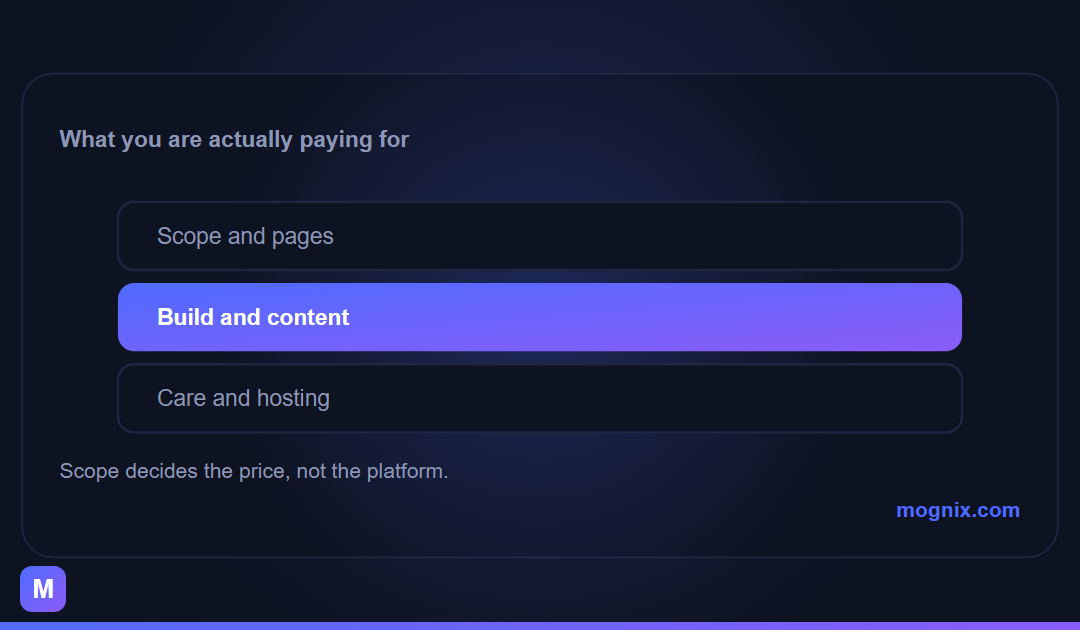
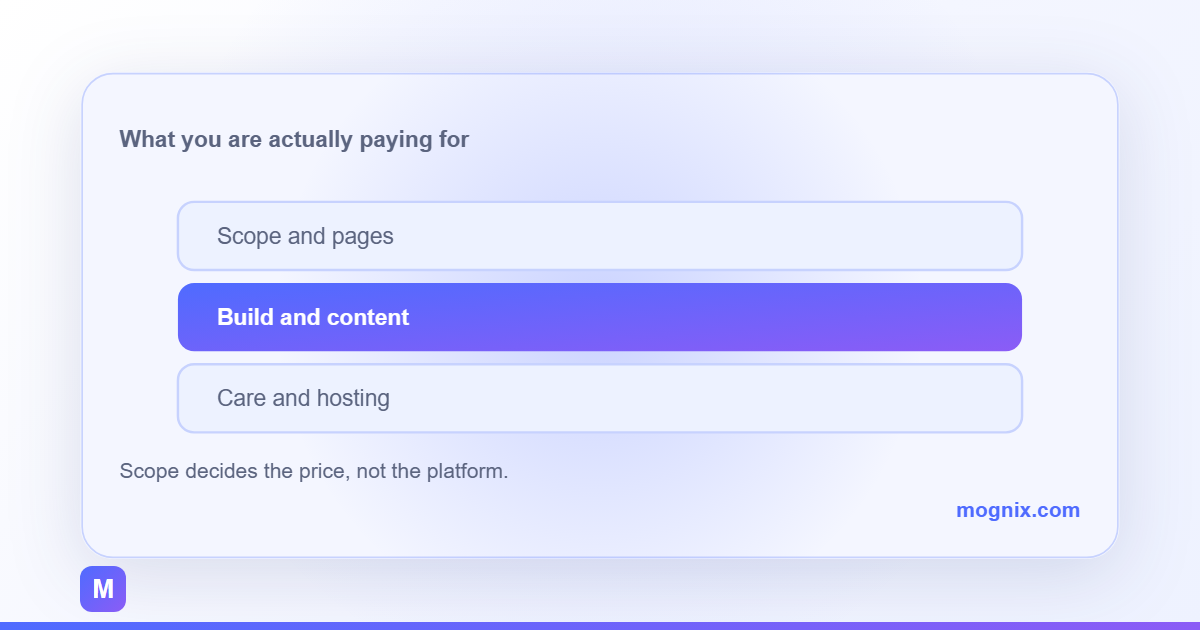
Before comparing prices, fix the scope. That means deciding how many pages exist, who writes the words, what the site has to connect to, and who is responsible once it is live. Change any one of those and the price moves more than any platform choice ever will.
Pages, not pixels
The first driver is the number of pages that need their own layout, not the number that exist. A ten-page site built from four layouts costs about what a four-page site costs. A ten-page site where each page has a bespoke structure — a service page, a gallery, a booking flow, a team page, a case study template — costs roughly two or three times that, because each layout has to be designed, built, tested on a phone and populated.
Be honest about the page count before you ask for quotes. Every extra page that needs its own design adds cost; a page that reuses an existing layout adds only content.
Content you already have
The second driver is words and pictures. If you hand over finished copy, service descriptions, staff photos and reviews, the build is mechanical. If the supplier has to research, interview and write it, that is copywriting, and it usually costs more than the build itself. Most “the quote was higher than I expected” conversations are really about content nobody had written yet.
Integrations and forms
The third driver is what the site must connect to. A contact form with an email notification is close to free. The same form writing into a CRM, sending a WhatsApp template message, taking a deposit through a payment gateway, or pushing an appointment into a booking system is a project of its own, with testing, failure handling and someone to maintain the connection when the third party changes something. Useful, and priced accordingly.
Who maintains it
The fourth driver is the part that appears in the quote last and matters most. Hosting, backups, security updates, plugin updates, small edits and the person who answers when the site goes down — over three years this often equals the cost of the build. A cheap build with no maintenance plan is not cheaper; it is a larger bill later, arriving at the worst possible moment.
The Parts of a Build and What Each One Costs
Strategy and structure
Somebody has to decide which pages exist, what each one is for and how they link. This is a day or two of work on a small site and it is where most of the value sits, because a well-structured site converts better than a pretty one. Skipping it is how businesses end up with a site that lists every service and answers no questions.
Design
Design cost scales with the number of distinct layouts far more than with the size of the site. A shared visual language with four or five layouts, applied consistently, looks more professional than a bespoke design per page, and it costs less. What you should not accept is a design that is only shown as a home page; insist on seeing the service page, the contact page and the mobile version before you approve anything.
Build and content entry
This is the largest chunk of most quotes, and it is mostly labour: turning designs into pages, wiring the forms, entering the content, testing on real phones. It is also the part where a fixed-price quote protects you, because content entry is the classic source of overruns. Agree in advance who pays when the same content arrives in three different formats.
Care, hosting and updates
Expect a monthly cost, and expect it to be honest about what it includes. Hosting on a competent host is cheap; the value is in the maintenance: updates, backups, uptime monitoring, a small monthly allowance of edits and somebody accountable when a plugin update breaks the layout. Ask for the price of the maintenance agreement separately from the build, always, because that is the number you will still be paying in year three.
Search setup
The technical groundwork — titles, descriptions, headings, a sitemap, redirects from old URLs, structured data for a local business — belongs in the build, not in a follow-up project. It is a few hours of work when the site is being assembled and a great deal more when it is retrofitted. If you are replacing an existing site, the redirect map is not optional: it is what stops your current rankings from disappearing, which is the single most common casualty of a rebuild, as covered in website redesign and SEO.
Where Spending More Pays Back
Speed
Performance is the most reliable return on a higher build budget. Every extra second of load time costs visitors, and on mobile networks the difference between a well-built site and a heavy one is measured in several seconds. Google publishes the thresholds it uses for Core Web Vitals — the numbers to design against are specific and easy to check with a free test before you sign anything.
The mechanics of where speed is lost, and what a slow page actually costs a service business in lost calls, are set out in website speed and enquiries, but the short version is that the money is best spent on fewer plugins, properly sized images and a host that is not oversold.
The enquiry path
The second place more budget pays back is the path from page to contact: a phone number that is tappable on mobile, a form with three fields instead of nine, a clear statement of what happens after someone submits, and a thank-you page that doubles as conversion tracking. This is unglamorous work that directly changes how many enquiries the same traffic produces.
Content that answers questions
The third is genuine content on the service pages: what the work involves, what it typically costs, how long it takes, what the customer needs to have ready. Pages that answer those questions rank and convert better than pages that list adjectives. Written once, they keep working for years, which is why they are worth paying for at build time.
Where You Can Safely Spend Less
Animations that delay the first readable sentence are not worth their cost, and neither is a custom illustration set on a site that has no traffic yet. A bespoke content management system is a poor investment for a business that will only ever publish a handful of pages — the maintenance cost is permanent and the benefit is theoretical. Fancy stock imagery and heavy video backgrounds have a measurable cost in speed and no measurable effect on enquiries.
You can also save by launching smaller. A five-page site that is fast, complete and well written will outperform a fifteen-page site that is half finished, and the second phase can be added when there is evidence for what it should contain.
Templates, Builders and Custom Builds
A template or a page builder is a reasonable choice for a small business, and it is what most quotes in the low range are based on. The trade is control: you inherit the template’s performance characteristics, its update cycle and its quirks. Pick one that is widely used, well maintained and known for being light rather than one that advertises the most features, and make sure the quote includes switching off whatever the template loads by default.
A custom build justifies itself when the site is doing something a template cannot — a quote calculator, a booking flow with complex availability rules, a product configurator — or when you need a level of speed a heavy builder cannot reach. It costs more to build and usually less to maintain, so the right question is not “custom or template” but “which parts of this site are genuinely unusual”, and paying for custom only there.
Questions to Ask Before You Sign
Ask how many distinct page layouts are included and what a new one costs later. Ask who writes the content and whether it is in the price. Ask what happens to the old URLs, and for the redirect list in writing. Ask for the maintenance price and what it covers, separately from the build. Ask what the site will score on a speed test on a mid-range phone, and whether you can see a comparable site the supplier built. Ask who owns the domain, the hosting account and the site files — the answer should be you, from day one.
A supplier who answers all seven clearly is worth more than one who is cheapest on the first of them. If you want a quote with the scope written out — pages, content, integrations, maintenance and search setup, each priced — our web design service works that way, and you can send us the brief with whatever you already have.